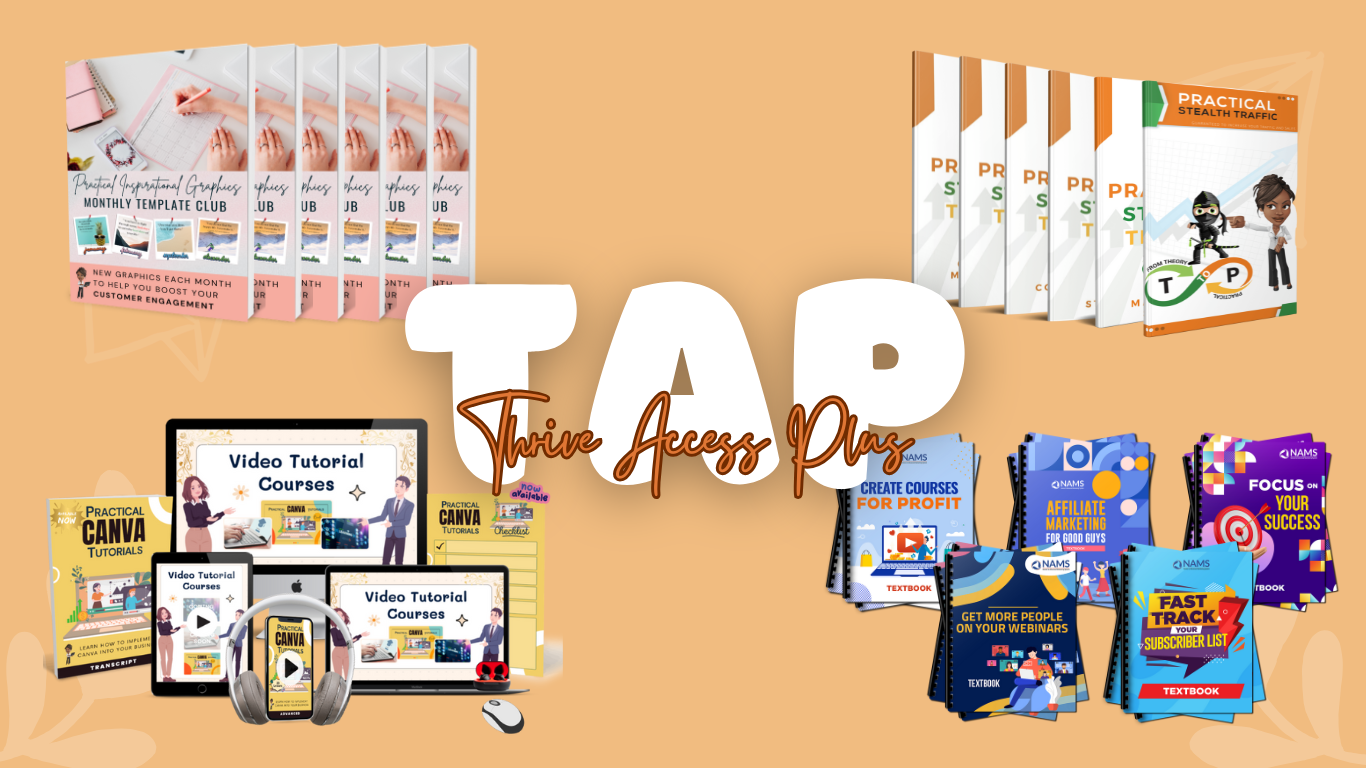
Create Faster, Better Visuals, Without Wasting Hours or Guessing at Prompts
Finally, a Practical AI Training That Helps Small Business Owners Make Decent-Looking Graphics Without Feeling Like a Designer (or a Bot).

TIRED OF WASTING TIME ON SO-SO GRAPHICS?
Get usable lead magnet graphics in under 10 minutes—even if you’ve never used AI before.
If you’ve tried Canva magic tools or played with Midjourney but still ended up with graphics that didn’t hit the mark, you’re not alone.
Most small business owners are left to guess.
This isn’t about learning every tool out there.
It’s about showing you exactly what works (and when), so you can go from idea to usable visual in less time than it takes to overthink it.
Why Listen to Us?
At Positively Practical Network (PPN), we believe in real, hands-on learning... not just hype.
Our team has tested and compared visual AI tools ChatGPT, Ideogram, Midjourney, Napkin, Claude, Piktochart, Excalidraw, and Visily across different tasks, so you don’t have to.
We've taken what works into a simple, easy-to-follow training that helps you stop second-guessing AI and start using it like a pro.
With 21 over-the-shoulder tutorial videos, you’ll get step-by-step guidance on setting up your AI tools to run at peak efficiency.
Is This You?
Why Now is the Best Time to Learn AI Visuals?
AI visuals aren’t just for techies or designers anymore.
Tools like Canva, Ideogram, Midjourney, and Piktograph have made it possible for everyday business owners to create lead magnets, social posts, product mockups, and diagrams without hiring a pro.
But here’s the catch.
The tools are powerful, but they’re not magical. If you don’t know how to ask for what you need, you’ll either waste time… or get results that miss the mark.
This is the moment to get ahead of the curve, before everyone else catches up.
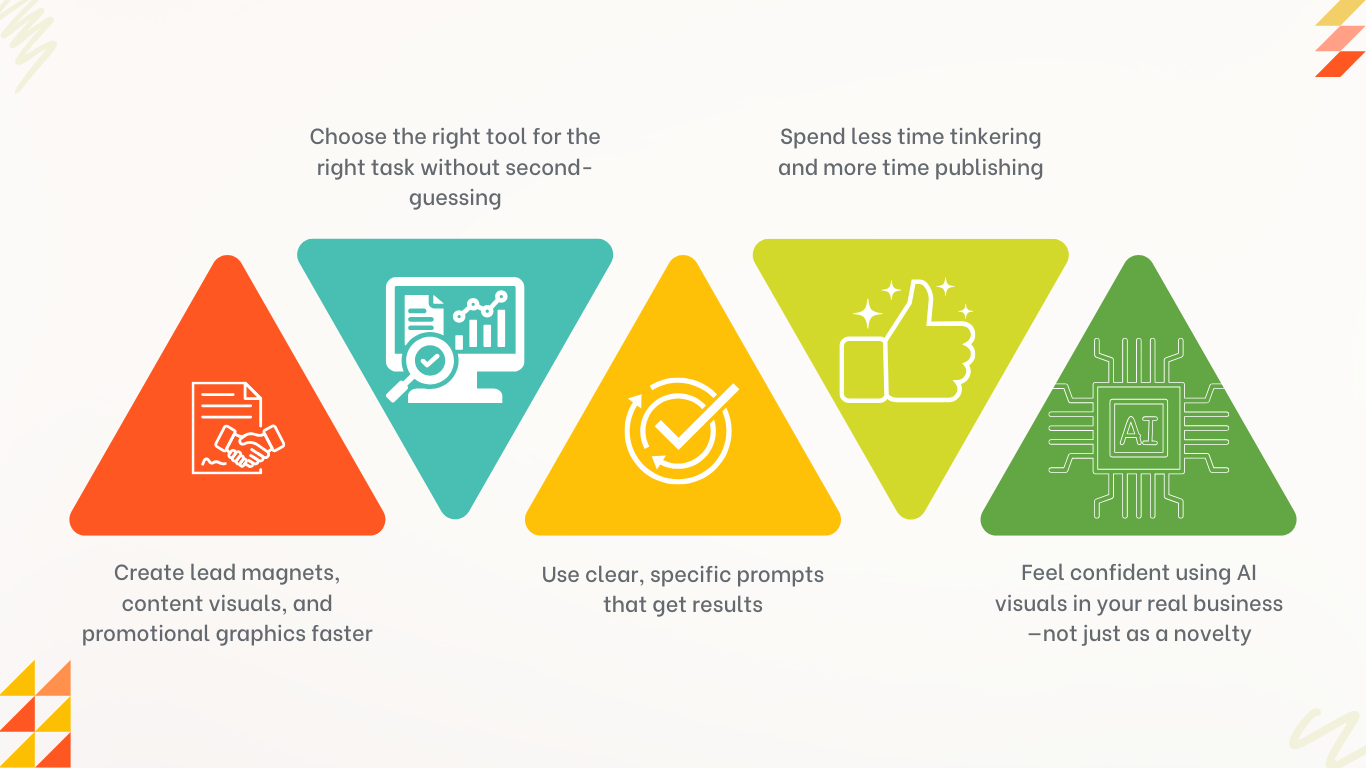
With a few practical shortcuts and done-for-you examples, you’ll be able to:
No learning curve. No design degree. Just visuals that get the job done.
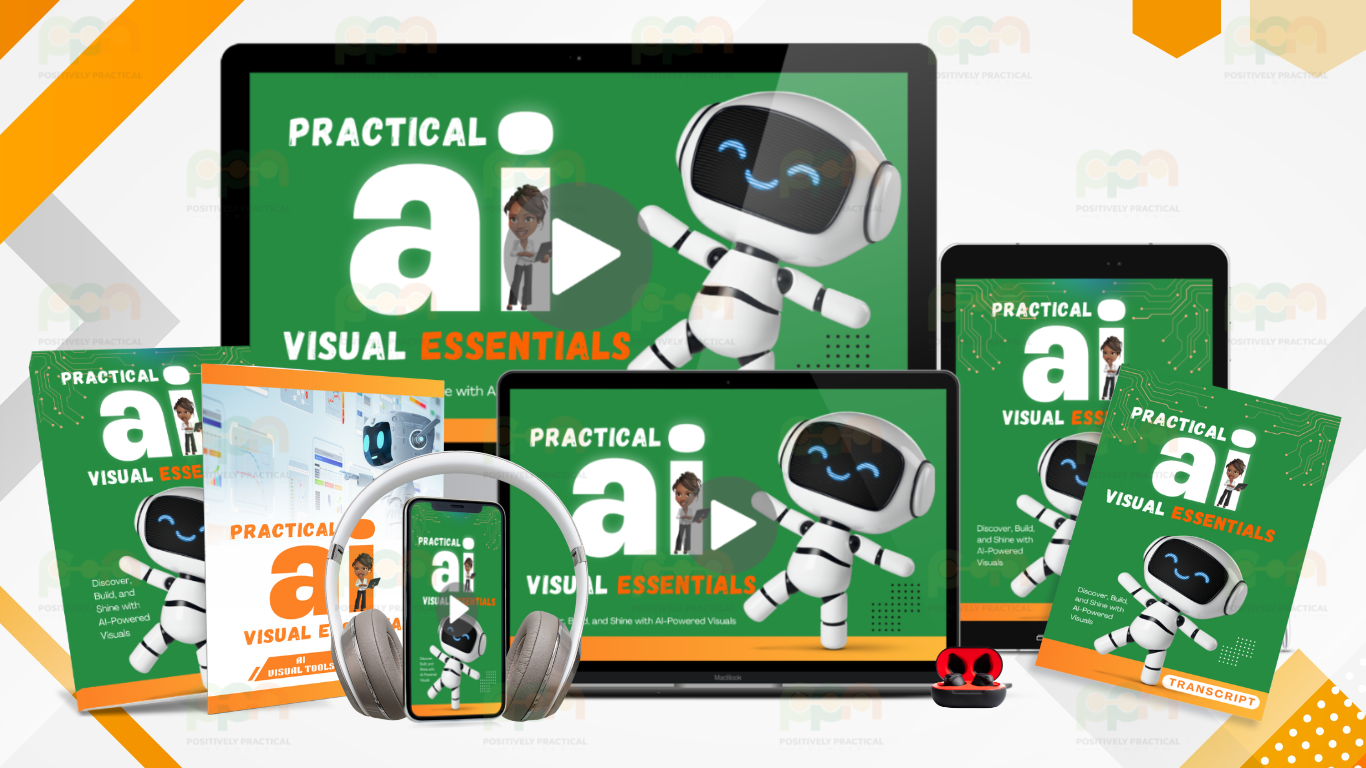
What’s Inside Practical AI Visuals Essentials?
Here’s what you get inside PAVE:
No fluff. Just walkthroughs that show how each one works and what it’s best used for.
Printable prompt reference document that helps you pick the right tool, fast. Includes pros/cons, use cases, and which lesson to watch.
Quick-win prompts you can copy, tweak, and use when you're short on time. Great for sales, opt-ins, blog promos, and visual engagement posts.
You don’t need to know every tool. You just need to know which one to use for the job in front of you.
Everything’s laid out clearly, with no guesswork.
By the end of this training, you'll be able to:
FROM “I GUESS THIS WORKS” TO “NAILED IT.”
Here’s how PAVE helps you go from frustration to finished:
FRUSTRATION
What PAVE Does Instead?
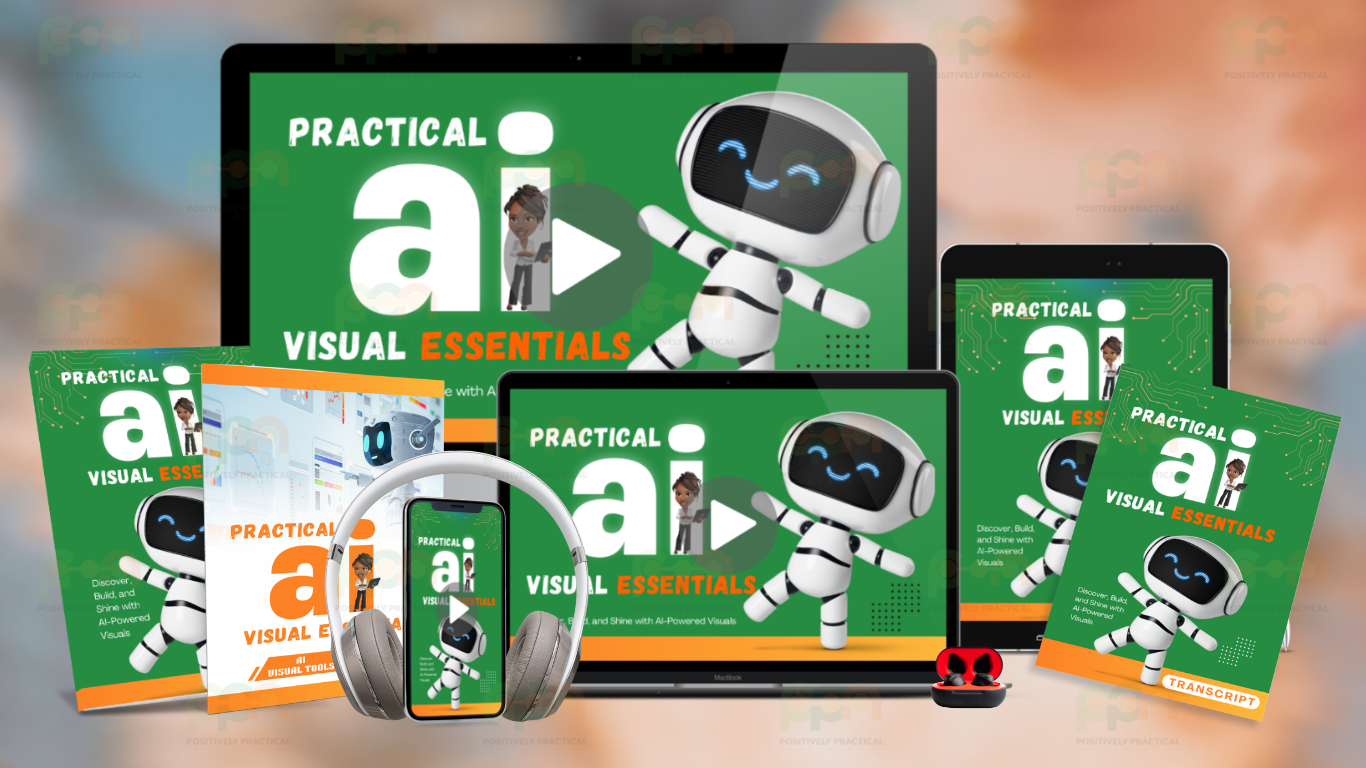
Diverse Learning Paths
We understand — everyone has a unique learning style. That's why we've diversified our approach, offering step-by-step instructions in various formats to suit different learning styles. Embrace them all to boost your proficiency and deepen your understanding of AI.
WHEN YOU KNOW HOW TO USE AI VISUAL TOOLS PROPERLY
You save time, create better content, and actually hit publish
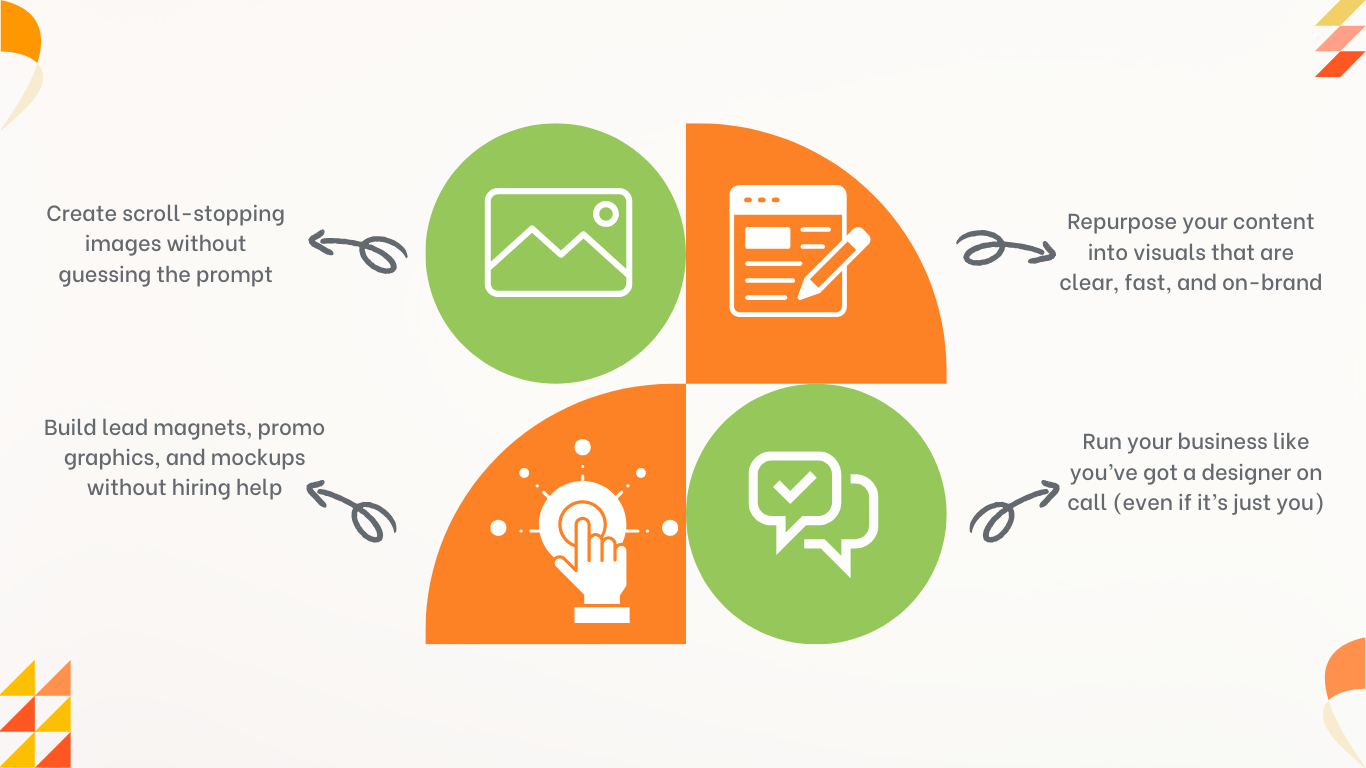
When you know how to use visual AI tools with intention, you’ll be able to:
VISUAL CONTENT CHALLENGES WE SOLVE FOR YOU
Save precious time and effort
Solution: PAVE gives you proven prompt templates and walkthroughs, so you get visuals that actually work for your business
Solution:PAVE shows you exactly when to use Ideogram, Canva, Midjourney, and other tools — no more second-guessing
Solution: With done-for-you prompt formats and use cases, you’ll spend less time editing and more time publishing
Solution: PAVE is built for non-designers who just want clean, usable graphics that don’t eat up half a day
WHEN YOU’RE READY TO GO FROM IDEA TO OUTPUT…
If you're tired of wasting time trying to make your content look right and just want something that works. PAVE is your shortcut.
It won’t teach you every tool.
It’ll teach you the right ones, in the right way, for your kind of business.
BONUS: LAST-MINUTE GRAPHICS PROMPT PLAYBOOK
Your Shortcut for “I Need Something Decent Right Now” Graphics
This bonus was made for those moments when:
Inside this printable resource, you’ll find:
These aren’t generic prompts.
They’re built for small business owners who need visual content that’s clear, useful, and effective.
You’ll have a go-to prompt for when the clock is ticking. And it actually works.
GET INSTANT ACCESS TO PRACTICAL AI VISUALS ESSENTIALS
One low price. No subscriptions. Just results.
Everything is available on demand. Watch at your pace, come back when you need it.
PRACTICAL AI VISUAL ESSENTIALS
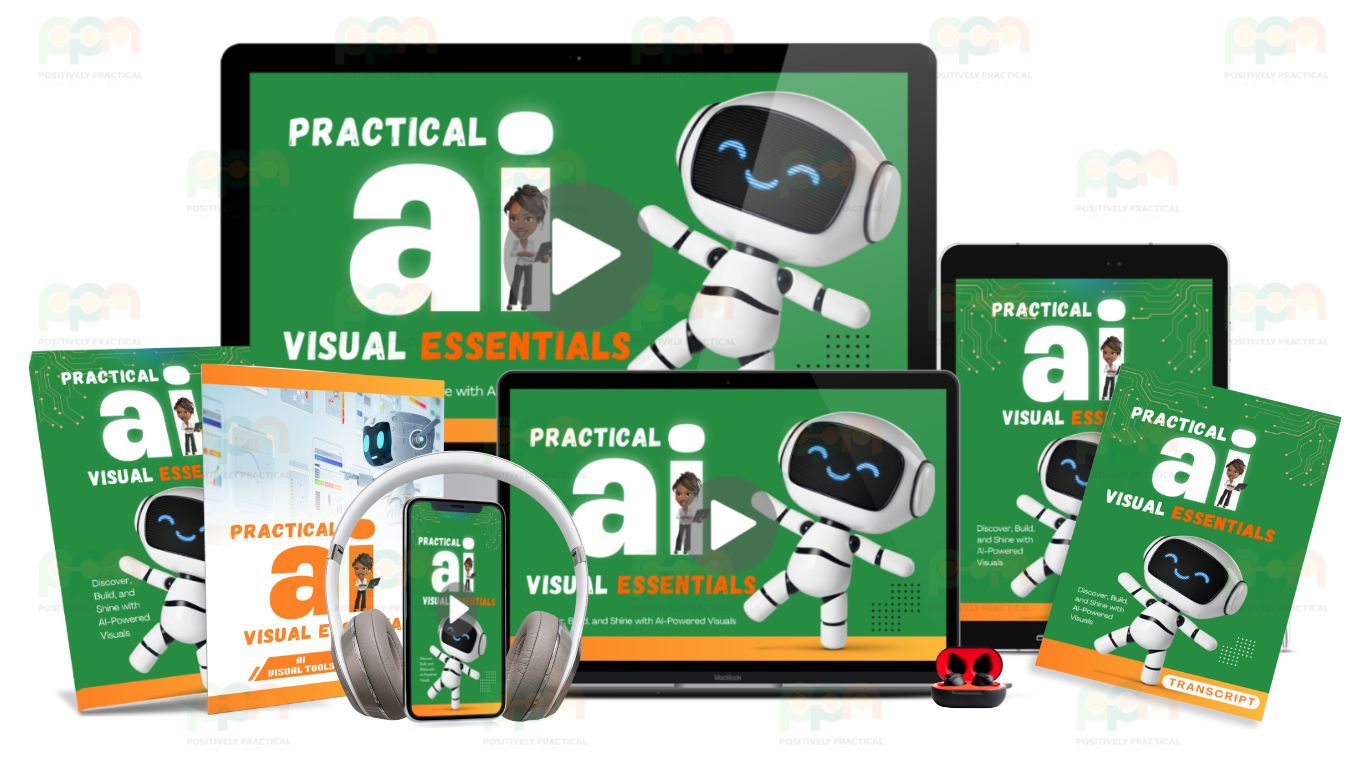
What's included:
Our Most Asked Questions
What is Practical AI Visuals Essentials (PAVE)?
PAVE is a training and tool reference designed to help small business owners create visual content using AI tools like Canva, Midjourney, Ideogram, and more.
It's not about learning everything — it's about knowing what works and when to use it.
Do I need to be techy or already know how to use these tools
Nope. This was made for regular folks who want clean visuals without learning design or spending hours on tutorials.
What exactly will I find inside PAVE?
You’ll get 21 short walkthrough videos grouped by tool, a printable reference document to help you pick the right tool for the job, and a bonus prompt playbook for when you need something fast.
How is this different from free tutorials on YouTube or TikTok?
Those assume you already know what you're doing or give you just enough to stay confused.
PAVE walks you through real use cases with real results... in plain English.
Do I need special software or subscriptions?
No paid tools are required. Some tools have free and paid versions, but every lesson focuses on what you can do without upgrading.
Is this training live or self-paced?
Self-paced. Watch when you want, return when you need to. No expiration, no pressure.
Self-paced. Watch when you want, return when you need to. No expiration, no pressure.
Yes! You’ll get transcripts, step-by-step guides, and access to our support team and community—so you’re never stuck figuring it out alone.
Is this a one-time payment or will I be charged monthly?
It’s a one-time payment for lifetime access—no subscriptions, no hidden fees.
Got more questions?
Ask us...
Got more questions? Ask us...

We've got a fully staffed help desk. If you have any additional questions, help is just an email away. Don't hesitate to contact us:
support@positivelypractical.com

Copyright © Practical Income Generation. All Rights Reserved.